

Leaderboard
-
Gustav Johnson
Members1Points328Posts -
robinjessome
Members1Points5,078Posts -

J.A.M.usic
Members1Points10Posts -

Ampnoe's
Members1Points84Posts



Popular Content
Showing content with the highest reputation on 02/03/2018 in all areas
-
Hello everyone, in the last few weeks I worked on this track. The idea of the melody at the beginning I had a couble months ago. Inspired from the Davy Jones theme music (Pirates of the Caribbean). In this piece I wanted to tell two different things in a pirates life. The first part of my track is about the calm moments on their ship. The picture works perfect for this part. A wonderful night scene, moonlight, the sea.. This picture was also very inspiring for me.. Anyway, the second part is about the other side when the pirate is in action. On a fight or something like this. In my opinion the second part doesn't work so well musically. I had some trouble to make it sound big. What do you think about it? I look forward to any feedback! Regards and enjoy ;)1 point
-
I used a sort of French rondo form anf mirroring technique.1 point
-
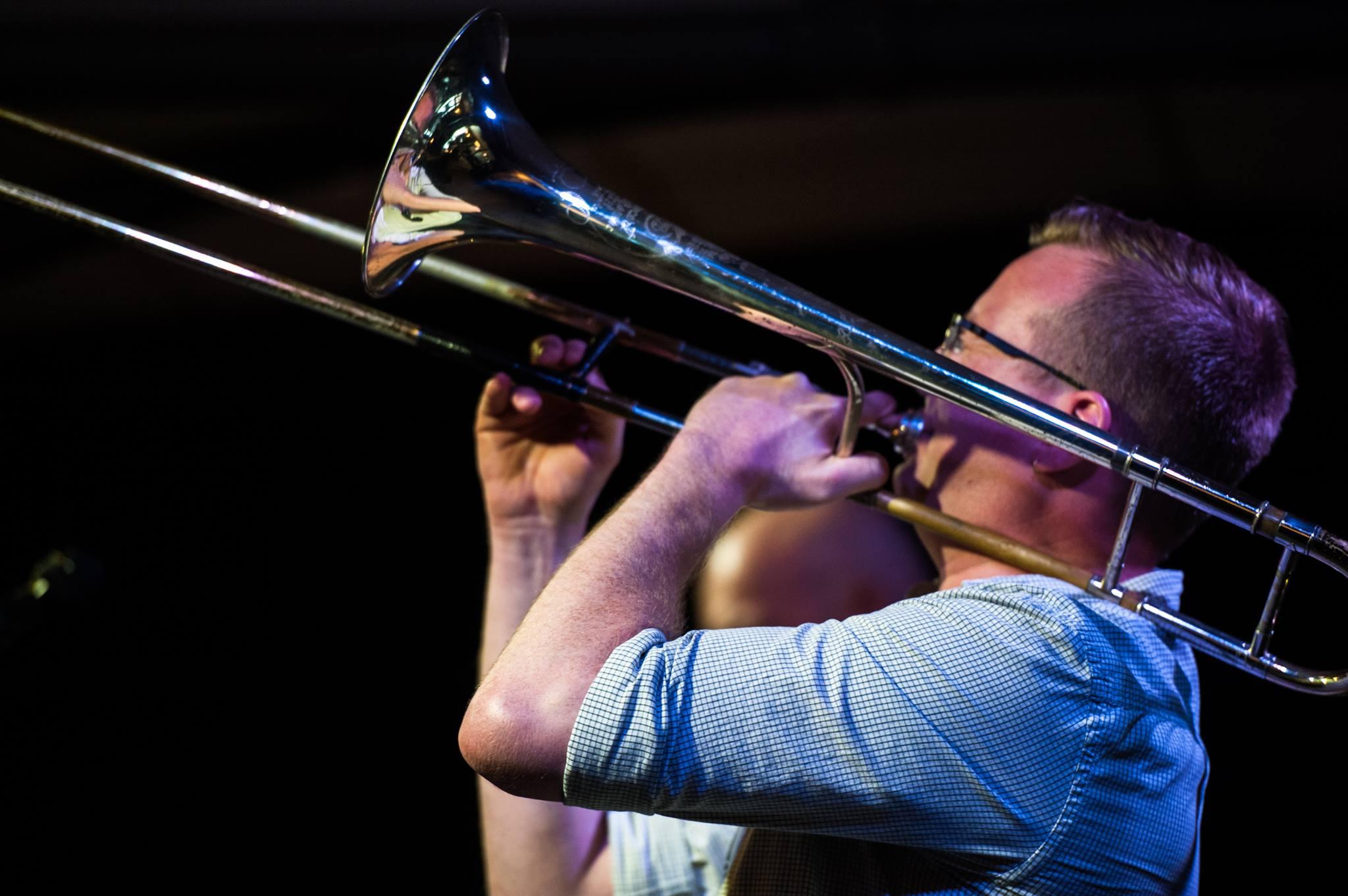
It'll resonate and ring, like bowing the bars of a vibraphone; with a very clear and defined pitch (whatever pitch you get when you flick it with a fingernail). Trombone bells will work too, as I expect any brass bell will do.1 point
-
What was the process you used for the piece, again?1 point
-
I teach band and have access to trumpets. Let me give it a try with my violin student next Wednesday - I'll let you know what happens :) We'll try various brass instruments and share the results!1 point
-
1 point

