Skip to content
View in the app

A better way to browse. Learn more.

Young Composers Music Forum

A full-screen app on your home screen with push notifications, badges and more.

To install this app on iOS and iPadOS
  1. Tap the Share icon in Safari
  2. Scroll the menu and tap Add to Home Screen.
  3. Tap Add in the top-right corner.
To install this app on Android
  1. Tap the 3-dot menu (⋮) in the top-right corner of the browser.
  2. Tap Add to Home screen or Install app.
  3. Confirm by tapping Install.

JoshPlotner

Members
  • Joined

  • Last visited

  1. Ha! That video is pretty amazing. I was thinking more in a "sitting down" context when you're using a sax stand. That's also a great way to dent your horns... But still pretty damn cool! I actually completely agree with your philosophy. However, I actually tried making longer videos at first. Check out my clarinet videos. And then compare the view count to any of my "2 minute" videos. Unfortunately the view count is probably the best tool I have to gauge how well my videos do, and it seems pretty clear what people want. Also it takes so so much more work to create those longer videos. For a fraction of the views, and complete lack of revenue, it's hard to justify spending all that time. But I really hope things eventually take off. I'd love to go back and start making 10+ minute videos for every instrument.
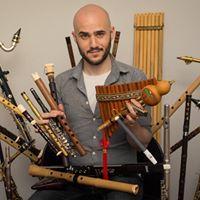
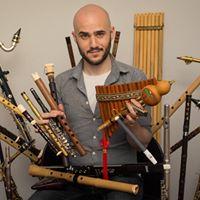
  2. I thought you guys might be interested in my new series! I'm creating 2-3 minute videos about writing for every member of the woodwind family. I also am more than happy to answer any questions that are posted on the video. If you're interested, here's the playlist:

Account

Navigation

Search

Search

Configure browser push notifications

Chrome (Android)
  1. Tap the lock icon next to the address bar.
  2. Tap Permissions → Notifications.
  3. Adjust your preference.
Chrome (Desktop)
  1. Click the padlock icon in the address bar.
  2. Select Site settings.
  3. Find Notifications and adjust your preference.